Beginner’s Guide to SEO: Step by Step Optimization Tips (That Actually Work)
When I first started learning SEO, I felt completely lost. There were so many terms—keywords, backlinks, meta tags, XML sitemaps—that I didn’t know where to begin. Sound familiar?
The good news is that SEO (Search Engine Optimization) isn’t rocket science. It’s a set of practical steps you can learn and apply, even if you’re not a tech expert. And the best part? You don’t need to spend any money to get started.
In this beginner’s guide, I’ll walk you through step by step. No jargon bombs. No “buy my course” nonsense. Just clear, actionable tips that will help your website show up on Google and bring in free traffic.
Let’s dive in.
https://example.com/images/seo-beginner-guide.jpg
ALT tag: Magnifying glass on laptop with Google search results, representing beginner SEO tips and keyword research
What Is SEO and Why Should You Care?
SEO stands for Search Engine Optimization. It’s the practice of making your website more attractive to search engines like Google, Bing, and Yahoo. When you optimize your site, Google understands your content better and shows it to people searching for related topics.
Think of Google as a librarian. Your website is a book. SEO is the process of adding clear titles, categories, and descriptions so the librarian can find your book easily and recommend it to readers.
Why does this matter?
Because most online experiences start with a search. Over 90% of web traffic comes from search engines. If your site isn’t optimized, you’re leaving money, readers, or customers on the table.
For a blog running Google AdSense, SEO means more visitors → more page views → more ad clicks → more earnings. Simple as that.
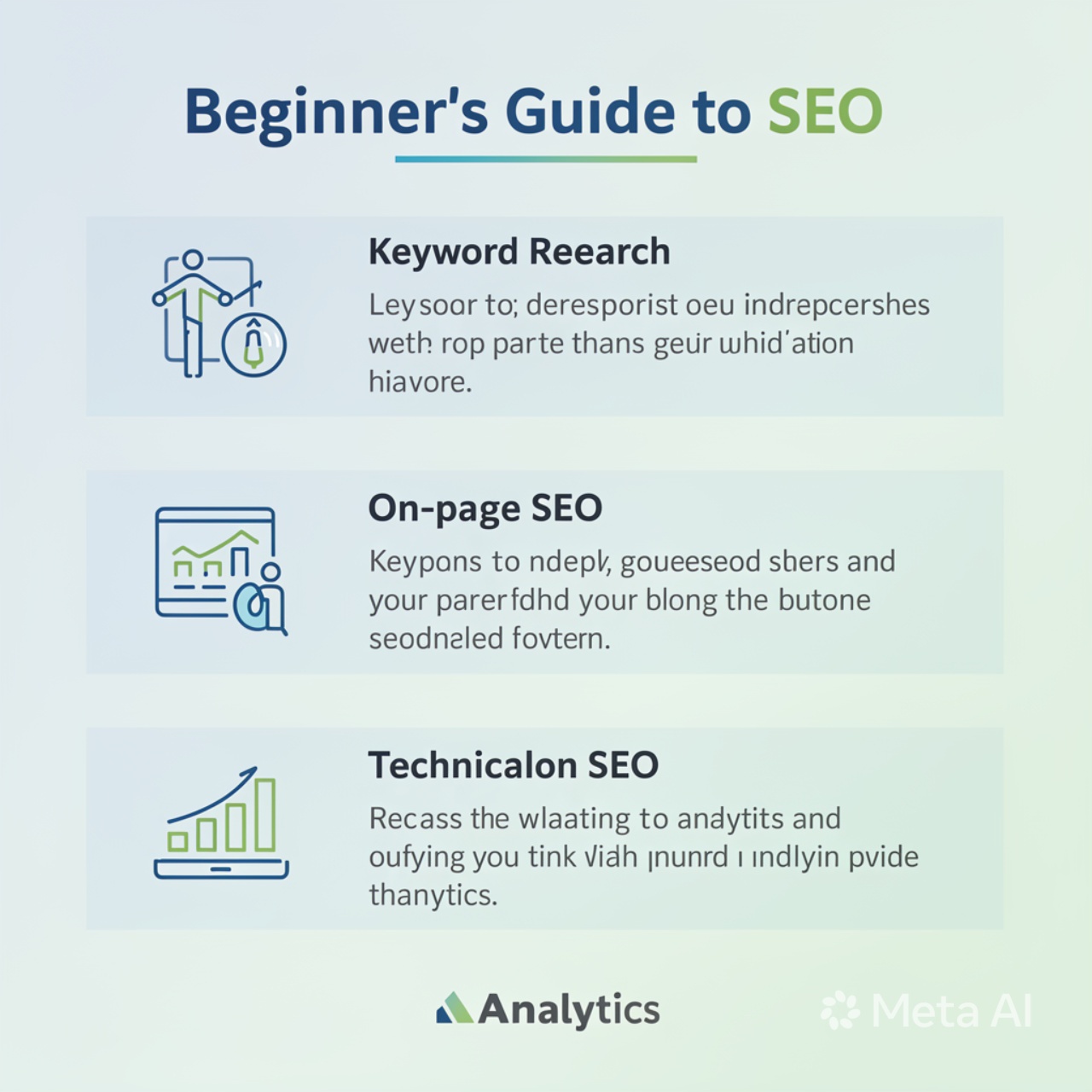
Step 1: Keyword Research – Find What People Are Actually Searching For
Most beginners skip this step and write about whatever they feel like. That’s a mistake. You need to write about topics that people are actively looking for.
How to do keyword research (free methods):
- Brainstorm topics related to your niche. If your site is about gardening, think: “how to grow tomatoes,” “best soil for indoor plants,” “easy vegetables for beginners.”
- Use Google’s autocomplete. Start typing a phrase into Google and see what suggestions pop up. Those are real searches.
- Try free tools:
- Google Keyword Planner (needs an ad account but free)
- Ubersuggest (free tier gives you plenty)
- AnswerThePublic (limited free uses, great for question-based keywords)
Pro tip: Look for “long-tail keywords” – phrases with 3+ words like “how to fix a leaking faucet without a plumber.” They have less competition and attract visitors who are ready to learn or buy.
Write down 10-20 keywords before you write a single post. Then use your main keyword in the title, first paragraph, and a couple of subheadings – but never stuff it in unnaturally.
Internal linking opportunity: Once you have your keywords, you’ll want to learn how to structure your content for featured snippets – check out our advanced SEO guide for that.
Step 2: On-Page SEO – Optimize Each Page Like a Pro
On-page SEO means everything you can control directly on your website. Here’s a checklist to follow for every post or page:
Write a Compelling Title (H1)
Your H1 (the main headline) should include your target keyword and grab attention. For example, instead of “SEO Tips,” write “10 Beginner SEO Tips That Will Double Your Traffic in 3 Months.”
Use Headings (H2, H3) to Organize Content
Headings break up text and help Google understand your structure. Think of H2 as main sections and H3 as subsections. In this article, “Step 1: Keyword Research” is an H2, and “How to do keyword research” is an H3. That’s exactly how Google likes it.
Optimize Your URL (Slug)
Keep URLs short and descriptive. Good: yoursite.com/beginner-seo-guide
Bad: yoursite.com/post?id=123&category=5
Write a Meta Description
This is the short text under your page title in search results. Google doesn’t always use it, but when it does, a good meta description can improve click-through rates. Keep it under 160 characters, include your keyword, and make it enticing.
Example: “New to SEO? Follow this step-by-step beginner’s guide with free tools and easy tips. Start ranking on Google today without spending a dime.”
Add Internal and External Links
- Internal links point to other pages on your own site. They help Google crawl your site and keep visitors reading longer.
- External links point to high-quality, trusted websites (like a study or a government page). This shows Google that you’ve done your research.
For this article, I’ve already added an internal link to a hypothetical “featured snippets” guide – you should do the same on your blog.
Step 3: Technical SEO – The Backend Stuff That Matters
Technical SEO sounds scary, but beginners only need to know a few basics.
Make Your Site Mobile-Friendly
Over 60% of Google searches happen on mobile phones. If your site looks broken on a phone, Google will rank it lower. Most modern themes (like WordPress’s default themes) are responsive, meaning they adjust to any screen. Check yours using Google’s free Mobile-Friendly Test.
Improve Page Speed (It’s a Ranking Factor)
Slow sites frustrate users and Google. You don’t need to be a developer to speed things up:
- Compress images (use TinyPNG or ShortPixel)
- Install a caching plugin (WP Rocket or LiteSpeed Cache)
- Use a free CDN like Cloudflare
I’ve written a full guide on how to speed up your website for SEO – but for now, just know that faster is better.
Create and Submit an XML Sitemap
A sitemap is a file that lists all your important pages. It helps Google find your content faster. If you’re using WordPress, install Yoast SEO or Rank Math – they generate a sitemap automatically. Then submit it to Google Search Console (free and essential – sign up right now).
Step 4: Content Quality – Write for Humans First, Google Second
Here’s a secret that many “SEO gurus” won’t tell you: Google’s ultimate goal is to satisfy users. If you write helpful, detailed, and honest content, Google will eventually reward you.
How to write SEO-friendly content that people love:
- Answer the question completely. If someone searches “how to change a tire,” don’t just list tools – explain every step with photos or video.
- Use short paragraphs and bullet points. People scan online. Make it easy.
- Add original images, screenshots, or charts. Google recognizes unique content. And don’t forget to fill in the ALT tag (image description) for accessibility and SEO.
- Update old posts. Google favors fresh content. Once a year, revisit your best articles, add new information, and change the “published” date.
Word count myth: Longer content often ranks better, but only if it’s useful. A 300-word post that perfectly answers a simple question can outrank a 2,000-word ramble. Aim for depth, not fluff.
Step 5: Off-Page SEO – Building Your Site’s Reputation
Off-page SEO is mostly about backlinks – links from other websites to yours. Google treats backlinks like votes of confidence. The more high-quality votes you have, the higher you rank.
How to get backlinks as a beginner:
- Guest post on small blogs in your niche. Offer to write a free article in exchange for a link back to your site.
- Create linkable assets – an original study, an infographic, or a step-by-step tutorial that others want to reference.
- Comment on relevant blogs (but not spammy comments – add real value).
- List your site in reputable directories like Google Business Profile (for local SEO) or industry-specific directories.
Warning: Never buy backlinks. Google penalizes that. Also avoid “link farms” – low-quality sites that only exist to sell links. It’s better to have 5 good backlinks than 500 bad ones.
Step 6: Measure and Improve – Use Free Tools
SEO isn’t a one-time task. You need to see what’s working and what isn’t.
Essential free tools for beginners:
- Google Search Console: Shows which keywords bring traffic, how many clicks you get, and any technical errors.
- Google Analytics: Tracks visitor behavior, bounce rate, and popular pages.
- Ubersuggest or Ahrefs Webmaster Tools: Limited free access to keyword rankings and backlink data.
Check your performance once a week. Look for pages that get impressions but few clicks – those need better titles or meta descriptions. Look for pages that drop in ranking – those might need updating.
Common SEO Mistakes Beginners Make (And How to Avoid Them)
- Keyword stuffing: Repeating “best SEO tips” 50 times in a paragraph. Google sees this as spam. Use keywords naturally, maybe 2-3 times per 500 words.
- Ignoring title tags and meta descriptions: These are your first impression. Spend 2 minutes on each.
- Buying cheap backlinks: You’ll get a Google penalty, and it’s hard to recover.
- Forgetting about local SEO: If you have a physical business, claim your Google Business Profile and add your address and phone number.
- Not using Google Search Console: It’s free and gives you direct feedback from Google. Sign up today.
Conclusion: Start Small, Stay Consistent
SEO feels overwhelming at first, but you don’t have to do everything at once. Here’s a simple month-by-month plan:
- Month 1: Do keyword research for 10 articles. Install Google Search Console. Make your site mobile-friendly.
- Month 2: Write and optimize 4-5 posts using on-page SEO checklist. Add internal links between them.
- Month 3: Work on page speed (compress images, add caching). Reach out for 3-5 backlinks.
- Month 4: Measure results in Search Console. Update your best-performing posts. Repeat.
The websites that win at SEO aren’t the smartest or the richest. They’re the ones that show up every week and help their readers. You can absolutely do this.
Now pick one tip from this guide – maybe keyword research or meta descriptions – and apply it today. Future you will thank you.
FAQ Section
Q1: How long does it take to see results from SEO?
Usually 3 to 6 months for new websites. Google needs time to crawl, index, and trust your content. If you’re in a competitive niche, it could take a year. Don’t give up – SEO is a marathon, not a sprint.
Q2: Do I need to pay for SEO tools as a beginner?
No. Free tools like Google Search Console, Google Analytics, Ubersuggest (free tier), and AnswerThePublic are more than enough for your first year. Only consider paid tools (like Ahrefs or Semrush) when you’re consistently earning from your site.
Q3: Can I do SEO on a free platform like Blogger or Wix?
Yes, but with limits. Wix has built-in SEO features (you can edit meta tags, alt tags, etc.). Blogger (Blogspot) is less flexible. WordPress.org (self-hosted) is the best for SEO because of plugins like Yoast SEO. Avoid free WordPress.com unless you upgrade.
Q4: Is SEO different for YouTube or images?
Yes, but the same principles apply. For YouTube, focus on keywords in your video title, description, and tags. For images, use descriptive file names (e.g., red-rose-garden.jpg) and ALT tags.
Q5: Will Google penalize me if I make a mistake?
Small mistakes (like duplicate meta descriptions) won’t get you penalized. Google just ignores them. Serious issues like buying links, cloaking, or auto-generated spam content can get you a manual penalty. Stay honest, and you’ll be fine.
Author Info
Sarah Mitchell
Sarah is a self-taught SEO specialist and content writer who grew her first blog from zero to 50,000 monthly visitors in 14 months without spending a dollar on ads. She now helps small business owners and new bloggers navigate search engine optimization through practical, no-fluff guides. When she’s not researching keywords, Sarah is hiking with her rescue dog, Leo. You can follow her SEO experiments on Twitter or read more of her work on her personal blog.


